Connecting accessible candidate journeys with event-day operations.
Aadivara supports employment events for people with disabilities. The product connects candidates, administrators, employers, partners and volunteers across mobile, web and offline-capable workflows.
- Role
- UI/UX Designer
- Contribution
- UX, interaction and UI design
- Platforms
- Mobile + web + offline web
- Team
- Crecientech + ATF
Profile, jobs and interview access
Events, mappings, outcomes and reporting
Jobs, candidates and interview queues
Organisation and user management
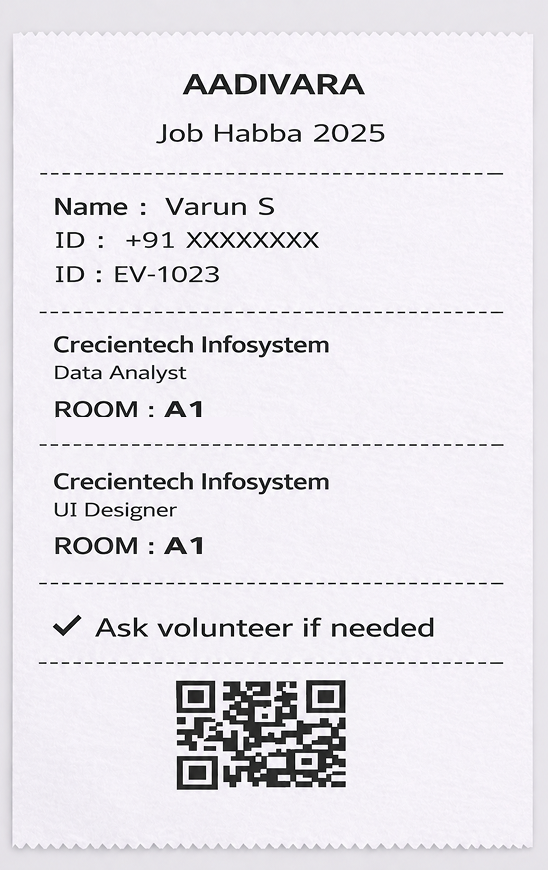
Check-in, assistance and slip printing
Candidate access
Collect the right information without making the journey feel heavy.
Candidate registration needed personal, location, disability, skill and job-preference information. The flow was divided into understandable steps so candidates could focus on one decision at a time.
The mobile experience used clear labels, large controls, visible progress and direct confirmation. Accessibility details were treated as essential profile data, not an optional afterthought.
Break registration into short, labelled steps with reviewable profile sections.
Reduce cognitive load while still collecting information required for relevant job matching.
Readable hierarchy, clear labels and touch-friendly actions; shipped behaviour should be verified screen by screen.
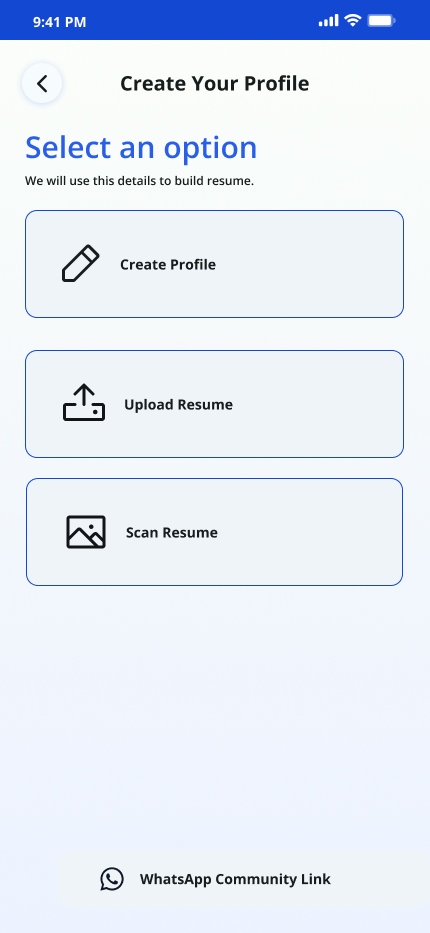 Create accountOpen full size
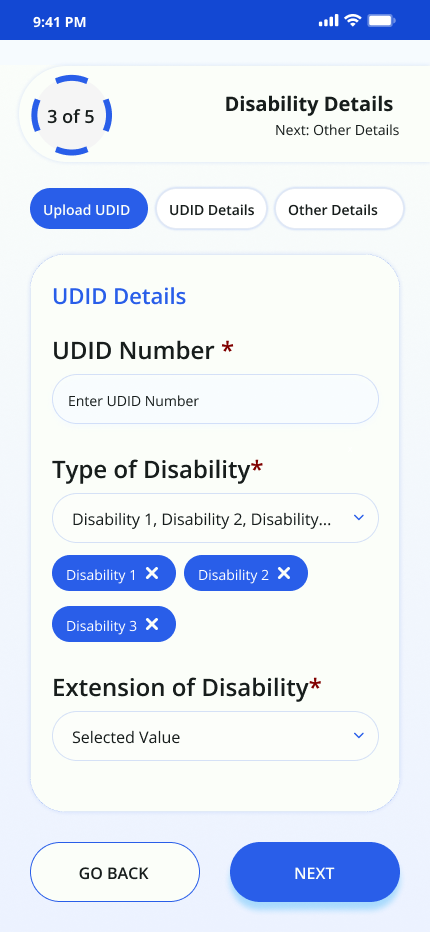 Disability detailsOpen full size
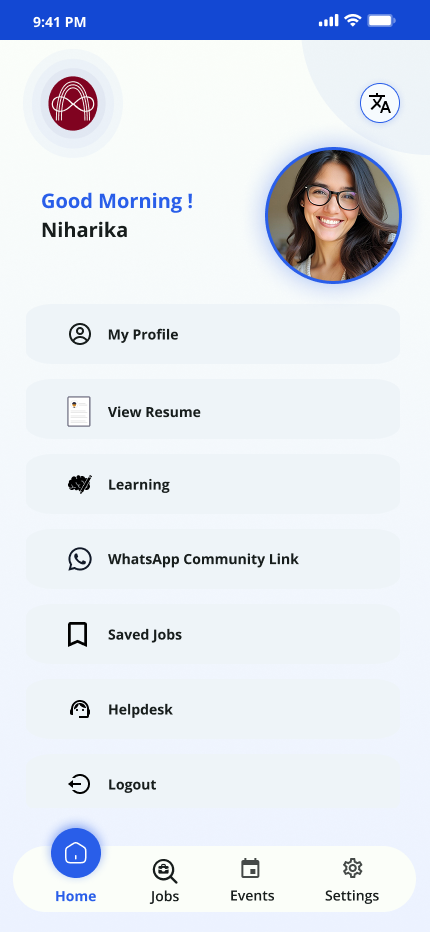 Candidate homeOpen full size
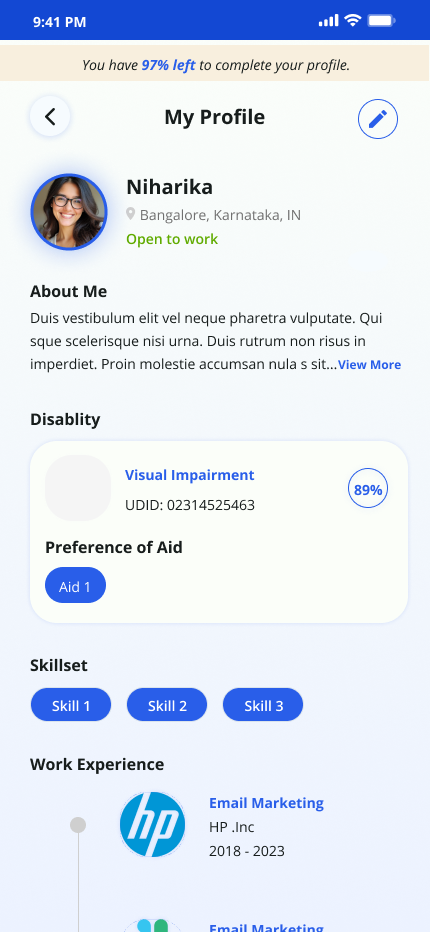 ProfileOpen full size
Admin orchestration
Turn an event into a coordinated operating system.
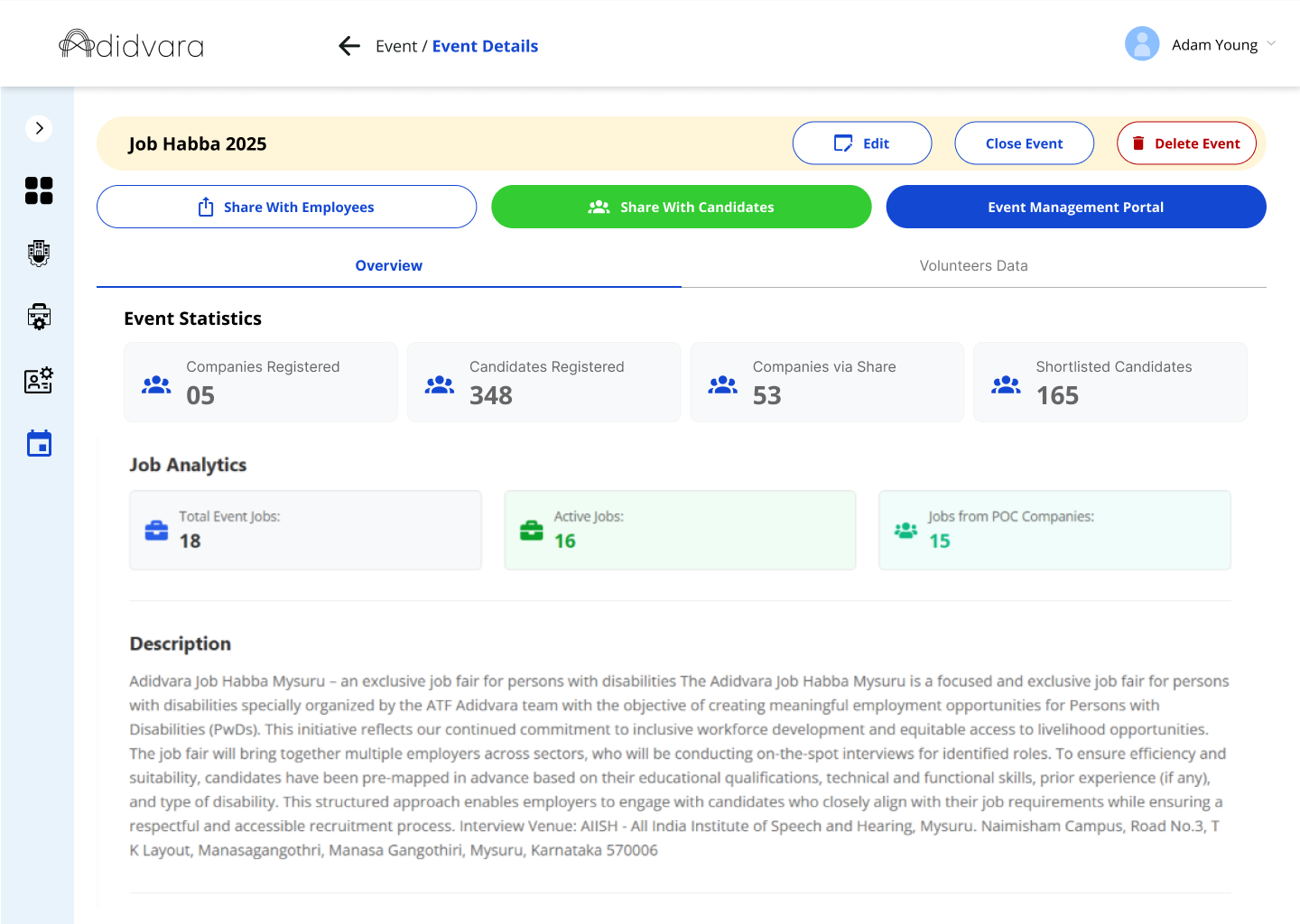
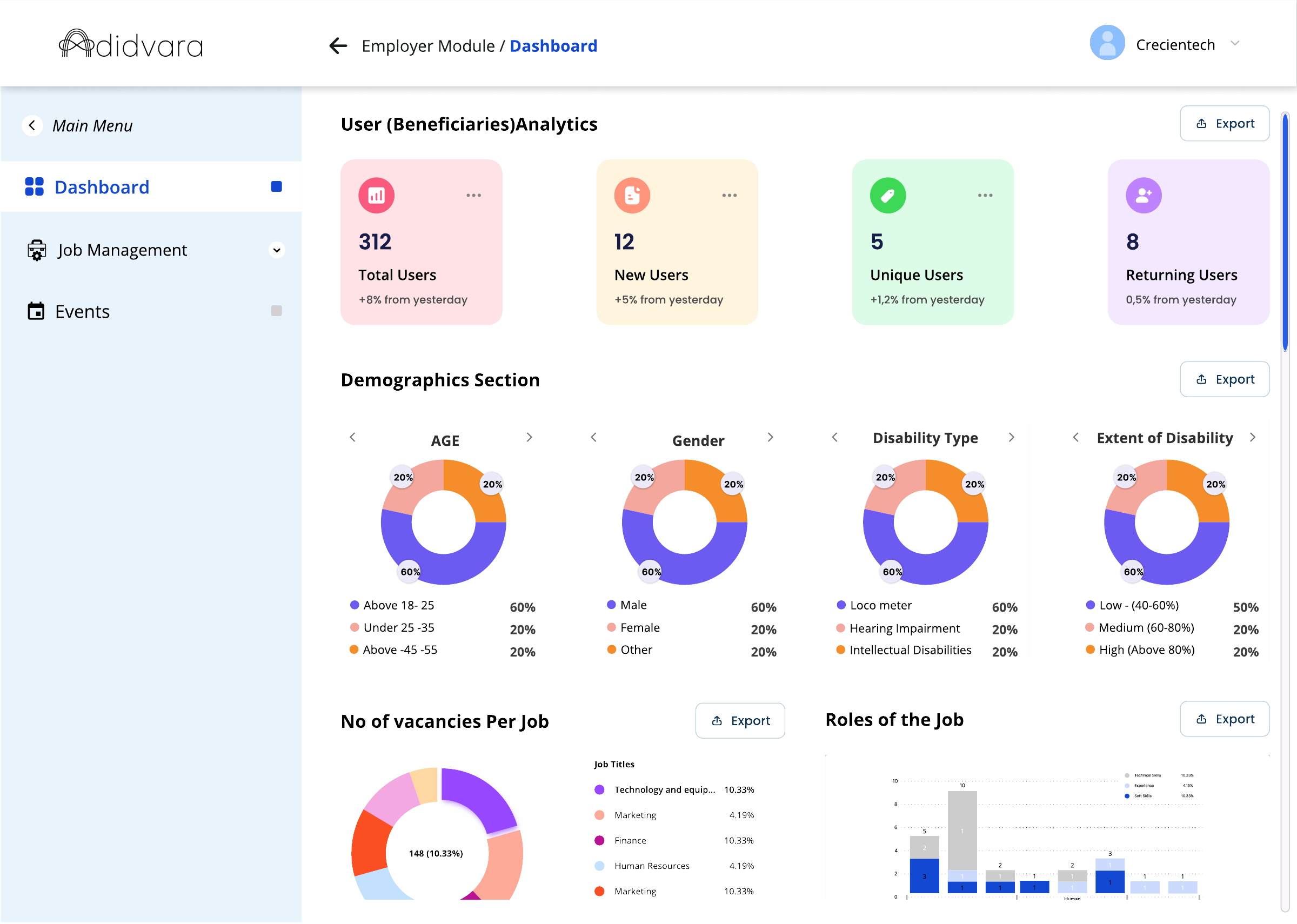
The Admin layer connects candidate records, employers, jobs, rooms and event outcomes. Event Coordinator is treated as an Admin permission rather than a separate primary role because no separate login was confirmed.
Employer operations
Keep job setup and interview progress clear.
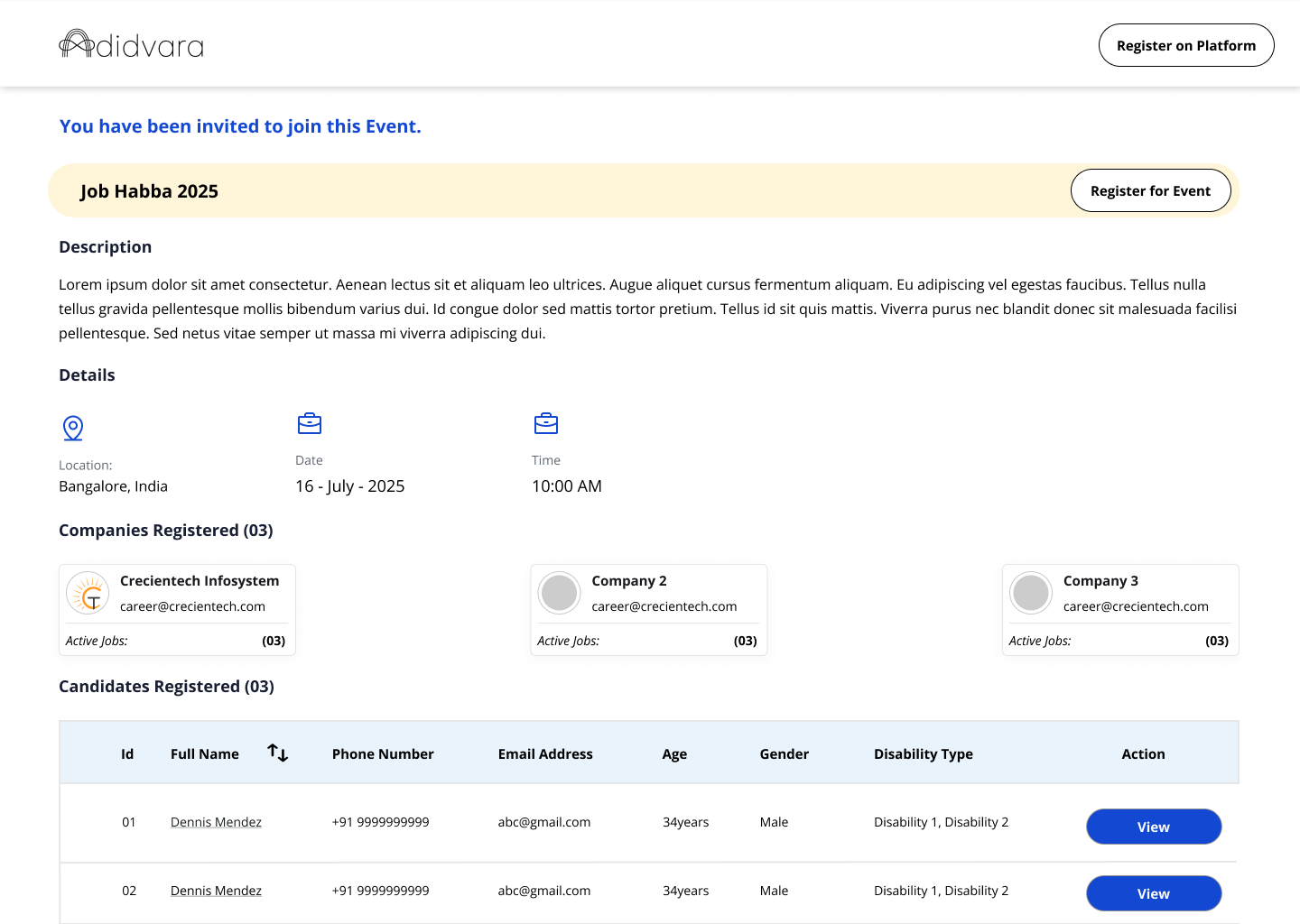
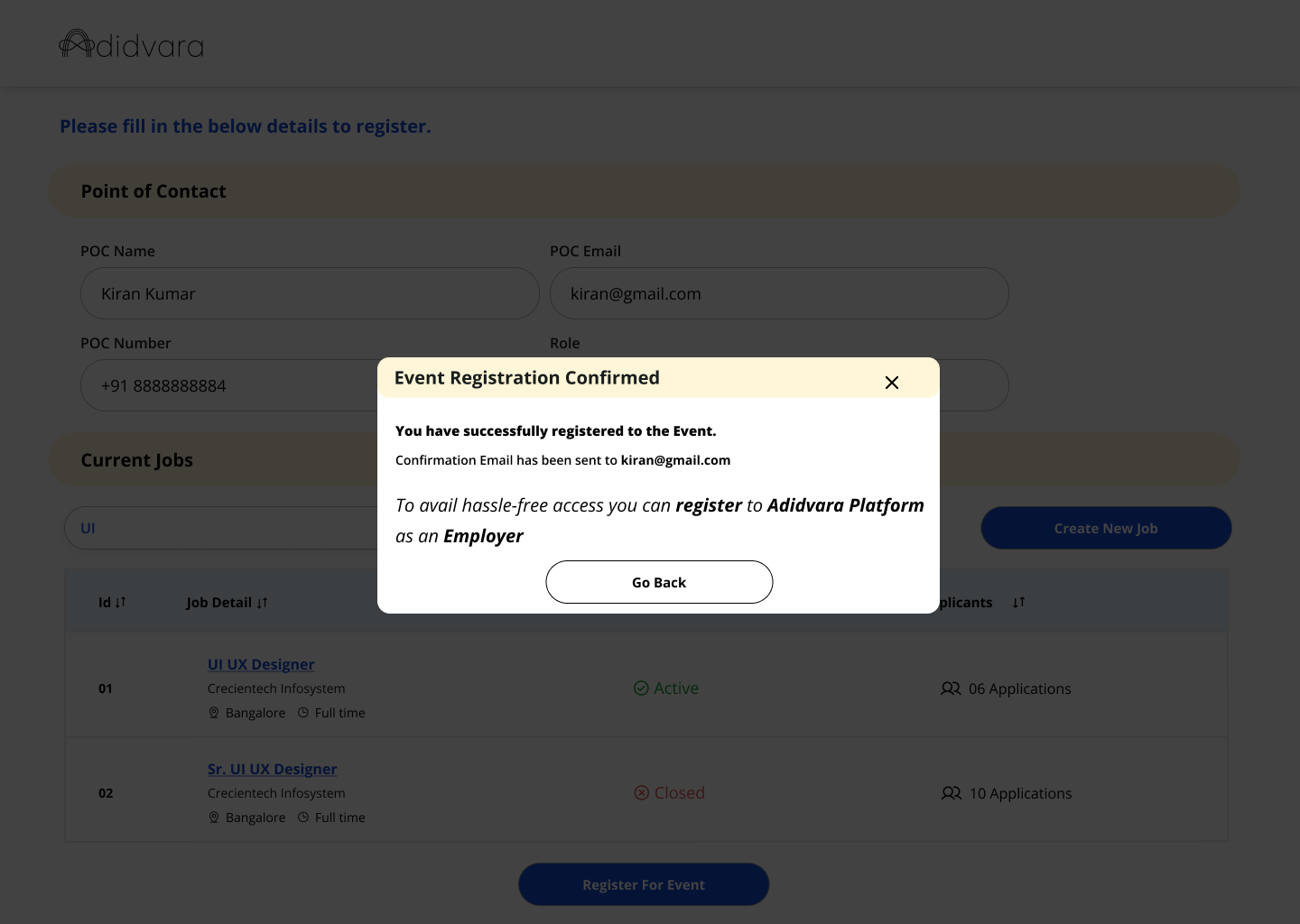
Employers create and manage jobs, review candidates and progress the interview queue. The interface supports the operational difference between a candidate being interviewed and the employer waiting for the next person.
Final Selected or Rejected outcomes remain Admin-owned. This avoids blurring role ownership between interview operations and the event’s official candidate record.
Volunteer operations
Check-in had to continue even when connectivity did not.
Volunteers support candidates through QR or manual check-in, confirm mappings and print a compact slip for event navigation. Offline updates are queued locally and sync automatically when the connection returns.
QR check-in with a manual fallback.
Verify identity and event mapping.
Generate a 58 mm or 80 mm slip.
Automatic retry with visible status.
Service flow + recovery statesDesigning check-in for unreliable connectivitySee how the primary, fallback and recovery paths support event-day continuity.+
Portfolio reconstruction based on delivered design.
- 1Attempt QR scan
- 2Lose connectivity
- 3Stop check-in
- 4Wait or use an external workaround
- 1Scan QR or search manually
- 2Confirm locally
- 3Print event guidance
- 4Queue the update
- 5Sync with visible recovery status
Confirms the record is available to event operations.
Lets the volunteer continue without losing the check-in.
Makes unfinished system work visible.
Prevents a local update from silently overwriting a newer record.
Closes the loop when connectivity returns.
System layer
Partner management supports the network behind the event.
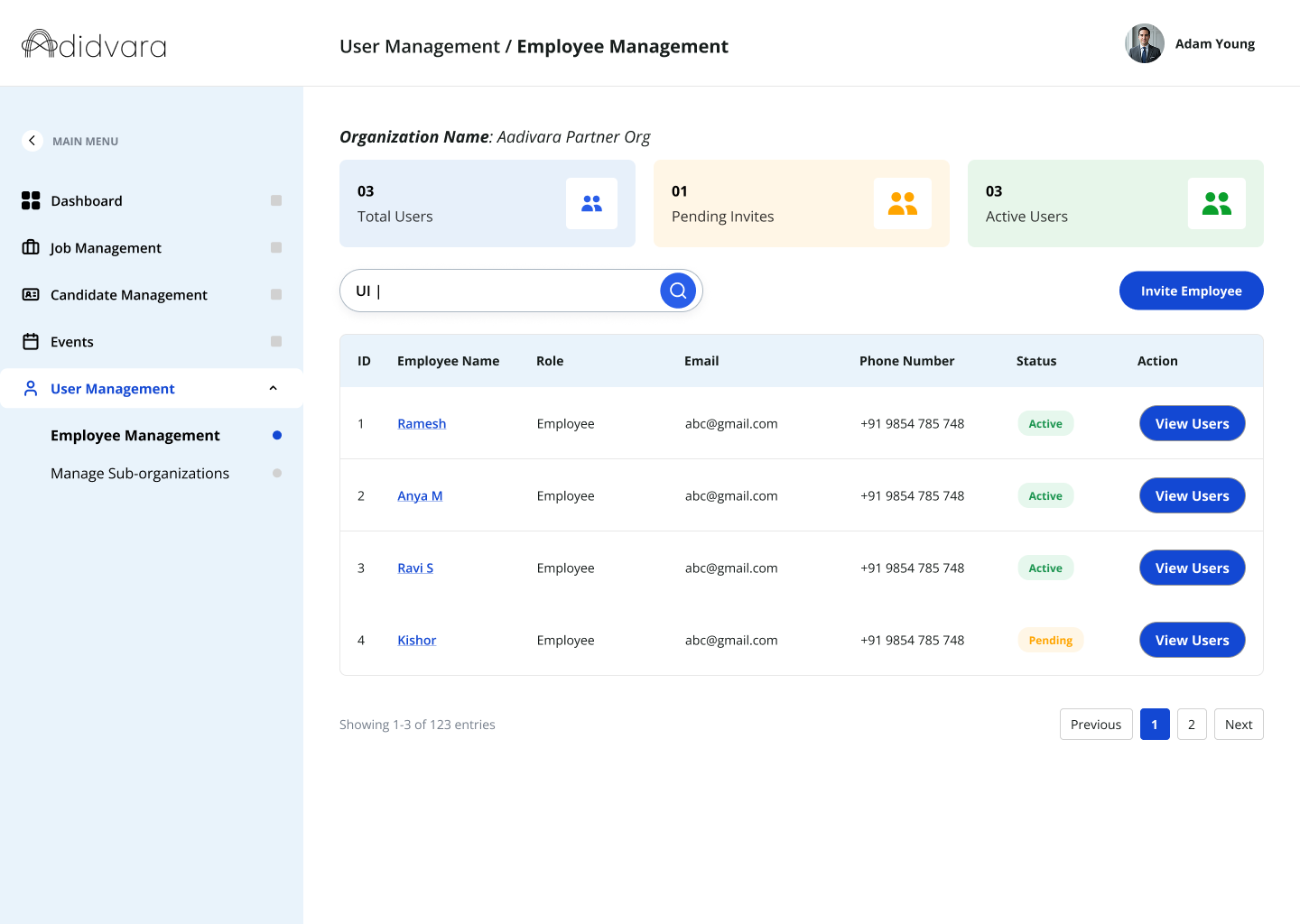
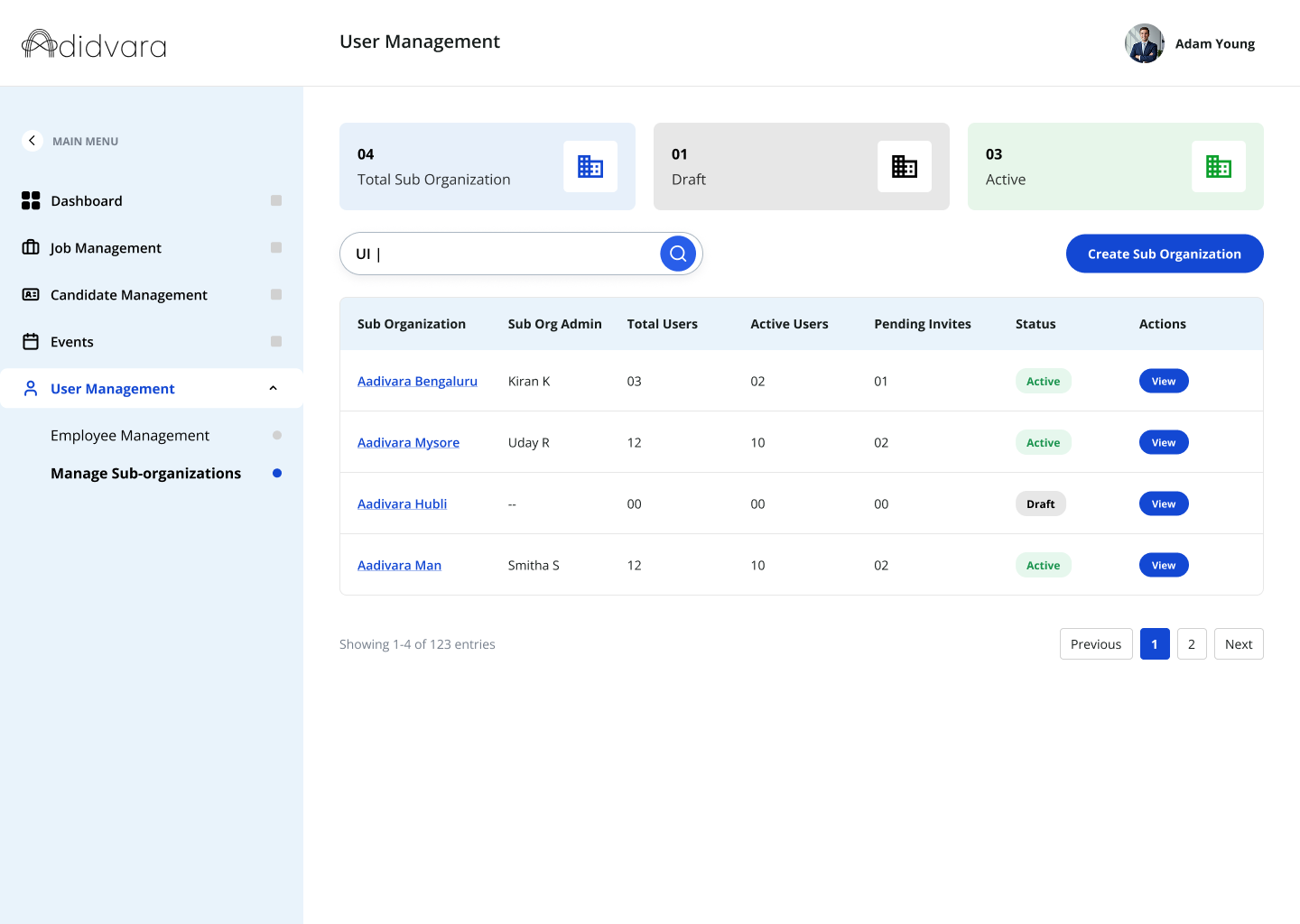
A connected multi-role product model
The work established mobile and web experiences across candidate access, job management, partner administration and volunteer event operations.
Validate accessibility and offline recovery in the field
I would run screen-reader, keyboard and event-day usability testing, then measure completion, check-in time, sync failures and manual recovery.
No adoption or efficiency metrics were available for this case study. The portfolio separates delivered design work from the improvements that should be measured next.